
Enabling & Disabling Data Points
Each measurement GridNMS takes — a CPU reading, an interface counter, a temperature — comes from a single collector inside a monitoring pack. Sometimes you want one of those data points turned off: a device doesn’t support a particular value, you’re polling something you don’t care about, or you want to lighten the load on a busy device.
GridNMS lets you switch any collector on or off at three levels of scope. The trick is choosing the right one so you don’t affect more devices than you mean to.
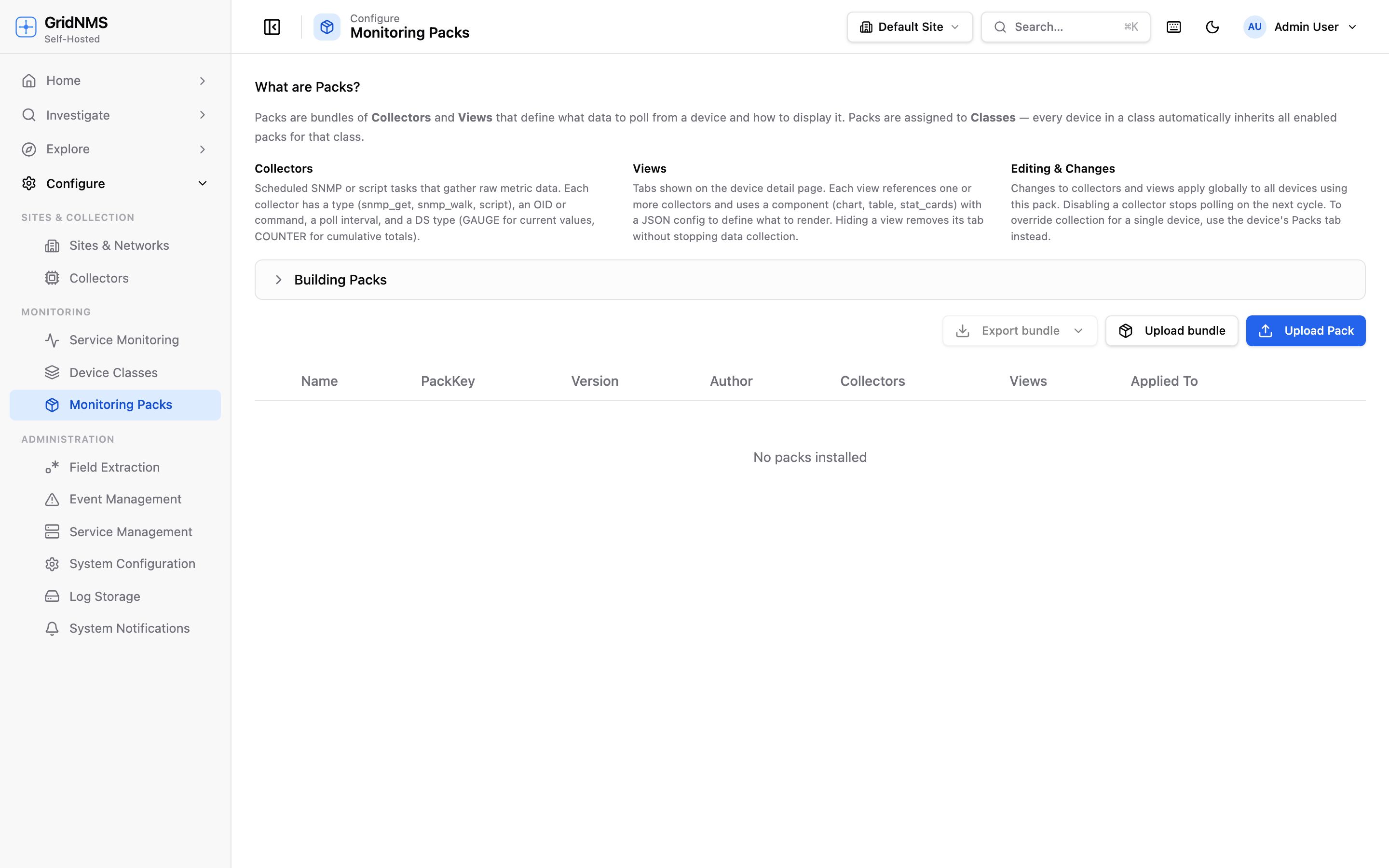 Expanding a pack reveals its collectors. The eye toggle on each row turns that data point on or off.
Three levels of scope
Section titled “Three levels of scope”| Scope | Where you set it | Affects |
|---|---|---|
| Global (the pack) | Monitoring Packs page → expand a pack | Every device using that pack, everywhere. |
| Class override | A class’s Packs tab | Every device in that class. |
| Device override | A device’s Packs tab | Just that one device. |
When the same collector is set at more than one level, the most specific scope wins: a device override beats a class override, and a class override beats the pack’s global setting.
Disabling globally (edit the pack)
Section titled “Disabling globally (edit the pack)”Use this when a data point should be off for every device that uses the pack.
- Open Monitoring Packs.
- Click the pack’s row to expand it.
- Find the collector and use its enable/disable toggle.
This changes the pack itself, so it applies system-wide. Reach for it only when the data point genuinely doesn’t belong in the pack — otherwise use an override so other devices keep collecting normally.
Local overrides
Section titled “Local overrides”An override changes collection for one class or one device without touching the shared pack. Other devices keep their original behavior. This is the safe, everyday way to fine-tune monitoring.
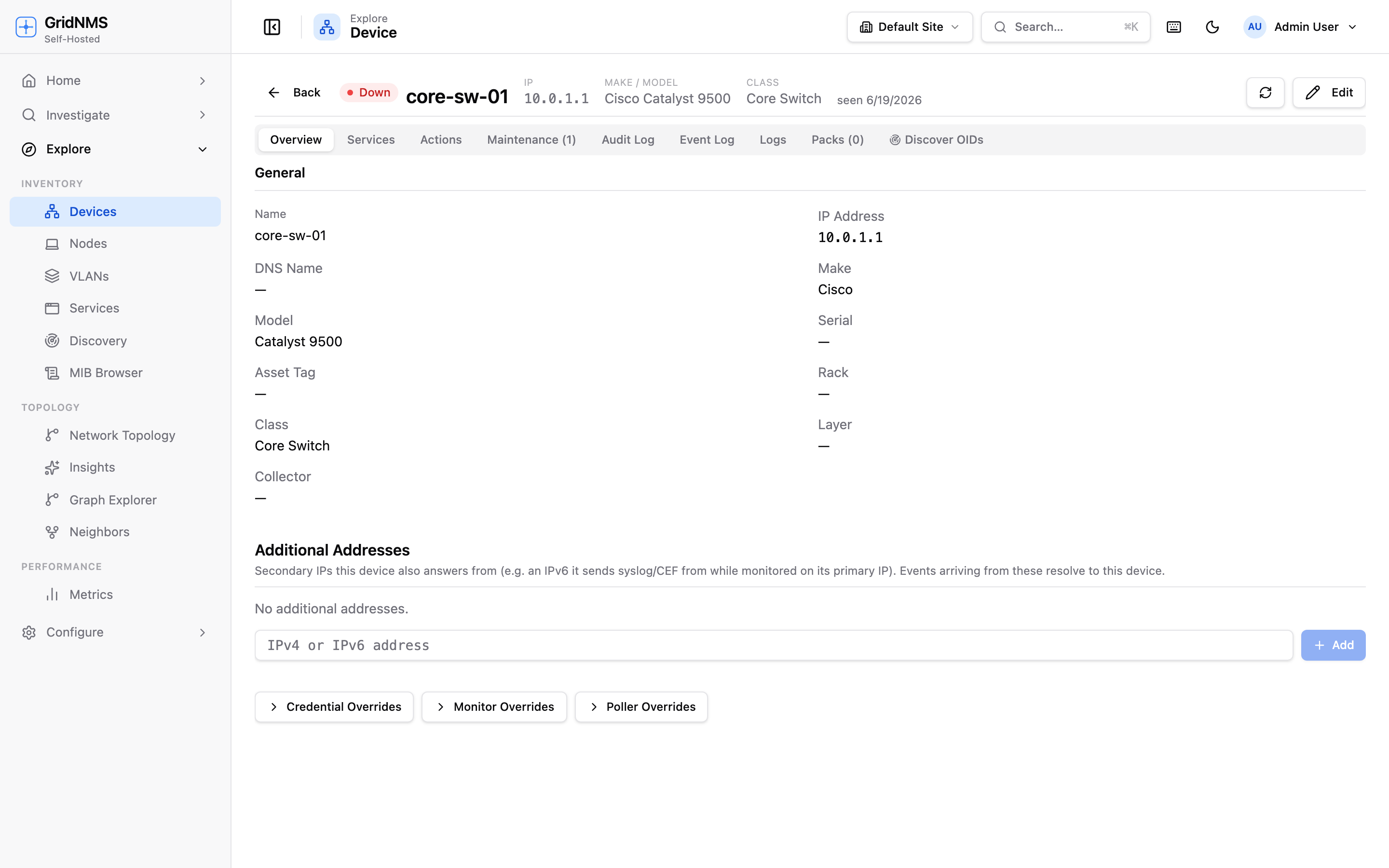 A device’s Packs tab. Each collector has a toggle that creates a device-level override; a banner lists any data points currently disabled on this device.
Override for a single device
Section titled “Override for a single device”- Open the device (Devices → the device).
- Go to the Packs tab.
- Expand the pack and find the collector.
- Click its toggle to disable for this device (or re-enable it).
A device that has a collector disabled shows a “Collection disabled on this device” banner listing exactly which data points are off, so the override is never a surprise. Re-enabling a data point removes the device override and the device falls back to whatever its class says.
Override for a whole class
Section titled “Override for a whole class”- Open Device Classes and select the class.
- Go to the Packs tab.
- Expand the pack and find the collector.
- Use its toggle to disable (or enable) the data point for the class.
Collectors that don’t have a class override yet are marked (class default) — meaning they’re following the pack. Setting the toggle creates a class override that applies to every device in the class, except those with their own device-level override.
What happens when you disable a data point
Section titled “What happens when you disable a data point”- The collector stops polling on the next cycle — no new samples are gathered for the affected scope.
- Historical data already collected is kept; you simply stop adding to it.
- The shared pack is unchanged, so every other device keeps working as before.
- Re-enabling resumes collection on the next cycle.
If a data point feeds a chart or stat card, that display will stop updating for the affected device(s) while the collector is off. Hiding the tab itself is a separate action — see Monitoring Packs for the difference between disabling a collector and hiding a view.
When to use an override
Section titled “When to use an override”| Situation | What to do |
|---|---|
| A device doesn’t support a particular OID and logs errors | Disable that collector on the device. |
| An entire device family lacks a feature | Disable the collector on their class. |
| You want to reduce poll load on a busy or fragile device | Disable the data points you don’t need on that device. |
| A data point is wrong for everyone using the pack | Disable it globally in the pack (or remove it). |
| You only want to hide a tab but keep collecting | Hide the view, don’t disable the collector. |
Where to go next
Section titled “Where to go next”- Monitoring Packs — what collectors and views are.
- Device Classes — apply packs and set class-level overrides.
- Working with Interfaces — ignore noisy or irrelevant interfaces, a related way to trim what you monitor.
docs built 2026-07-27 · 837a1c1d