
Receiving Logs & Traps
A collector is how your devices’ logs and traps get into GridNMS. Point a device at a collector’s address on the right port, and the collector receives the messages, ships them up GridNMS, and they become searchable and alertable.
Every collector listens for the two most common formats out of the box, and you can enable additional, more capable listeners per collector when you need them.
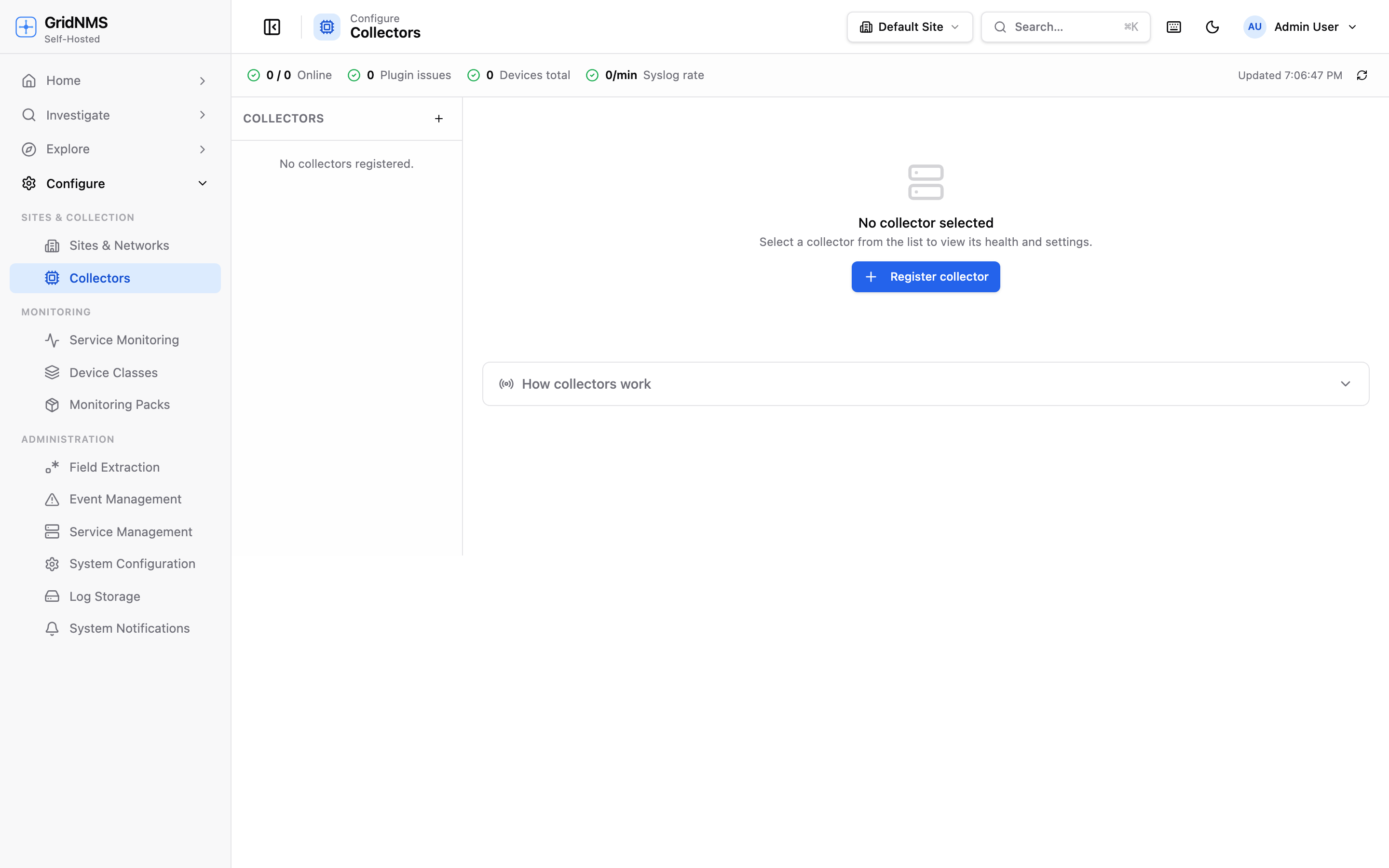 Open a collector under Configure → Collectors to manage how it receives logs.
What’s on by default
Section titled “What’s on by default”Every collector accepts these two with no configuration:
| What | Port | Used by |
|---|---|---|
| Syslog over UDP | 514 (UDP) | Switches, routers, firewalls, servers, Linux/Unix hosts — the standard for almost everything. |
| SNMP traps | 162 (UDP) | Network gear sending event notifications (link down, fan failure, and so on). |
For most networks, this is all you need: configure each device to send its syslog to the collector’s IP on port 514, and its SNMP traps to the collector’s IP on port 162.
Advanced ingestion options
Section titled “Advanced ingestion options”Plain UDP syslog is simple and lightweight, but it has trade-offs: UDP can silently drop messages under heavy load, and it isn’t encrypted. For environments that need guaranteed delivery, encryption in transit, or HTTP-based sources, a collector can run additional listeners.
Open the collector under Configure → Collectors and look for the log ingestion settings. Each advanced listener has an enable toggle and a port you can set.
Reliable delivery. TCP syslog uses a connection-oriented transport, so messages aren’t silently dropped the way they can be with UDP when a device or the network gets busy. It also handles larger messages cleanly.
- Enable the TCP syslog listener and set its port (a common choice is 601).
- Point devices that support TCP syslog at the collector’s address on that port.
Choose this when: you’re seeing dropped messages under load, you have chatty devices, or you simply want delivery you can count on.
Encryption in transit. TLS syslog is syslog wrapped in an encrypted connection, so log contents can’t be read as they travel across the network. It’s the right choice when logs leave a trusted segment or cross any link you don’t fully control.
- Enable the TLS syslog listener and set its port (a common choice is 6514).
- Choose how the listener is secured:
- Auto — GridNMS issues a certificate for you. Senders pin it or skip certificate verification. Quickest to stand up.
- Custom — upload your own certificate and key so senders validate it the normal way against your own trust chain.
- Optionally require senders to present a trusted client certificate (mutual authentication) for an extra layer of assurance about who’s allowed to send.
- Point your devices at the collector’s address on the TLS port.
Choose this when: logs traverse untrusted networks, or your compliance posture requires encryption in transit.
For applications and cloud sources. The HTTP Event Collector accepts events sent over HTTPS, which is ideal for applications, scripts, and cloud services that can POST events but don’t speak syslog. It is compatible with the widely-used Splunk HEC format, so many tools can send to it with no custom code.
- Enable the HTTP Event Collector and set its port (a common choice is 8088).
- Generate or set a token. Senders include this token to authenticate, so only authorised sources can submit events.
- Because HEC is HTTPS, it uses the same certificate options as TLS syslog (auto-issued or your own).
Choose this when: the source is an application or cloud service that emits JSON events over HTTPS rather than classic syslog.
Which option should I use?
Section titled “Which option should I use?”| Option | Delivery | Encrypted | Best for |
|---|---|---|---|
| UDP syslog (514) | Best-effort (can drop under load) | No | The default — simple, low overhead, works everywhere. |
| SNMP traps (162) | Best-effort | No | Event notifications from network hardware. |
| TCP syslog | Reliable | No | High-volume or critical devices where no message should be lost. |
| TLS syslog | Reliable | Yes | Logs crossing untrusted networks; compliance needs. |
| HTTP Event Collector | Reliable | Yes | Apps and cloud sources that POST events over HTTPS. |
Pointing a device at the collector
Section titled “Pointing a device at the collector”Whichever option you use, the steps are the same shape:
- Find the collector’s address: open the collector under Configure → Collectors and select its Overview tab — the Syslog listener and SNMP-trap listener rows show the exact address and port to send to. (If the collector sits behind NAT or a remapped Docker port, set an advertised address in its listen-ports settings so the overview shows the address devices can actually reach.)
- Pick the port for the transport you’ve enabled (514 for UDP syslog, 162 for traps, or the port you set for TCP/TLS/HEC).
- Configure the device’s logging or trap destination to that address and port.
- Generate some activity on the device, then confirm the messages show up in Logs & Log Search.
If nothing arrives, check the collector’s Channels tab — the logging channel shows the live receive rate, so you can tell whether messages are reaching the collector at all. See Collector Channels.
Related pages
Section titled “Related pages”- Getting the Real Source IP — read this first so events are attributed to the right device.
- Logs & Log Search — find and search the logs once they arrive.
- Collector Channels — watch the live receive rate on the logging channel.
- Monitoring & Managing Collectors — confirm the collector and its listeners are healthy.
docs built 2026-07-27 · 837a1c1d